Generate YBL (YES BANK) UPI QR Code Instantly – Free & Fast




Looking to accept payments with your Yes Bank UPI ID ?
This free YBL UPI QR Code Generator makes it simple and fast to generate a scannable QR code linked to your UPI ID. Perfect for freelancers, shop owners, vendors, and digital-first professionals.
⚙️ How to Use This Tool
- Enter your Yes Bank UPI ID (e.g.
yourname@ybl) - Click “Generate QR Code”
- Download or print your QR code to start accepting payments
✅ Works with all major UPI apps – PhonePe, Google Pay, Paytm, BHIM, Amazon Pay, etc.
✅ No login or signup required
✅ Privacy-friendly – nothing is stored on our servers
👥 Who Is It For?
- Small & local businesses
- Grocery and Kirana stores
- Freelancers & consultants
- Delivery agents & drivers
- Café, salon, and service counters
- Anyone using Yes Bank UPI handle
💡 Note: This tool only requires your UPI ID ending in
@ybl, not bank details.
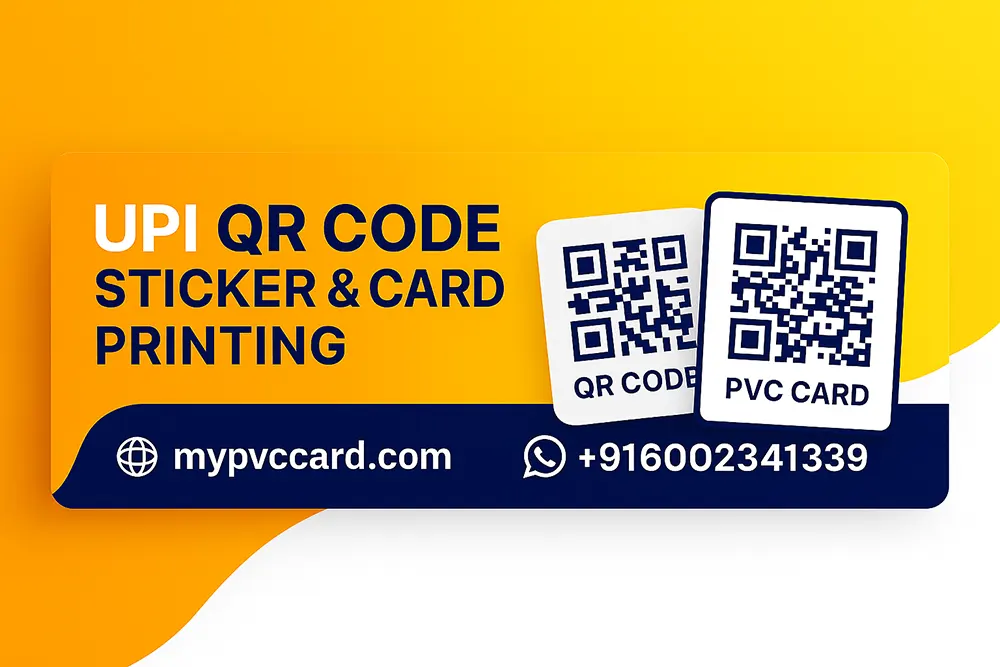
🖨️ Want a Printed QR Code?
Upgrade your QR code experience with our PVC card & vinyl sticker printing:
- Durable ATM-size cards
- Weather-resistant vinyl stickers
- Custom branding available
👉 Visit mypvccard.com or WhatsApp us: +91 6002341339
🔒 Pro Tip
Always scan your generated QR code using a trusted UPI app to confirm the payment ID matches. Don’t share sensitive banking info.
✅ Other UPI Tools You Can Try

Universal UPI QR Code Generator
Generate Universal UPI QR Code in a few clicks.

SBI UPI QR Code Generator
Generate SBI bank UPI QR in just one click.

Kotak UPI QR Code Generator
Create Kotak Bank Account UPI QR Code Instantly.
FAQ
Q: What is the YBL UPI QR Code Generator and how does it work?
A: The YBL UPI QR Code Generator lets you create a scannable QR code linked to your Yes Bank (YBL) UPI ID. Simply enter your UPI ID (e.g., yourname@ybl), customize the code (amount, logo, color), and download or share it. Customers can scan it using any UPI app like Google Pay, PhonePe, or Paytm to send payments instantly.
Q: Is it safe to use an online YBL UPI QR Code Generator for payments?
A: Yes, generating a UPI QR code with your YBL UPI ID is safe, as it only encodes publicly shareable payment details. The tool does not store or access your bank information. Just ensure you enter the correct UPI ID and verify the code before sharing.
Q: Can I add a logo and change the color of my YBL UPI QR Code?
A: Absolutely! This generator allows you to upload a custom logo (like your brand or shop logo), choose a UPI app logo, and even change the QR code color to match your branding—ideal for businesses, freelancers, and vendors.